
Your Mobile App Marketing, All in One Place
LaunchPilot is a powerful desktop app for mobile developers to manage App Store metadata, screenshot mockups, Google Ads, and AI-powered marketing assets — all in one workspace.
Flutter · Swift iOS · React Native
Everything You Need to Ship
From metadata to mockups to ads — LaunchPilot covers every step of your app marketing workflow.
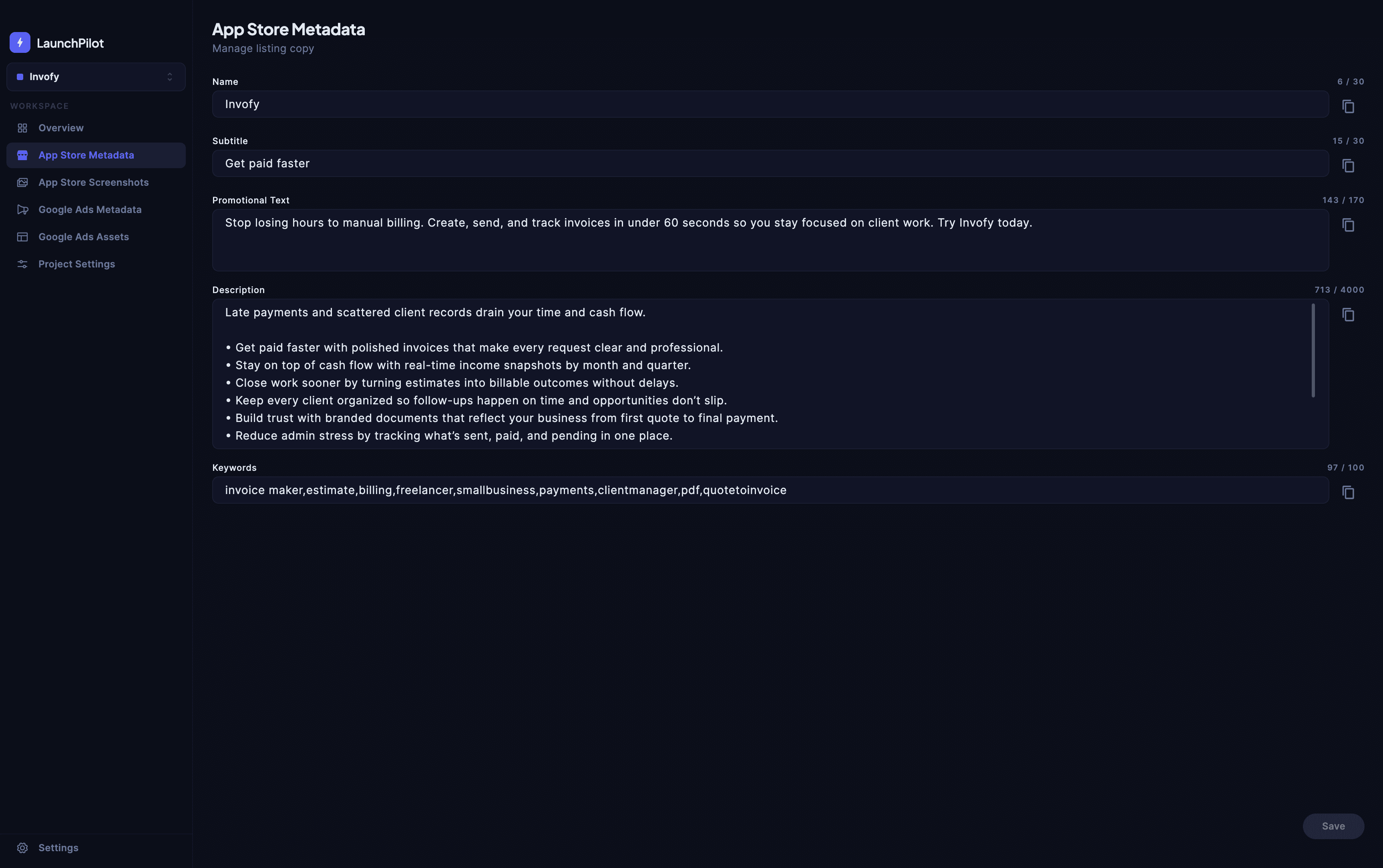
App Store Metadata
Edit your app name, subtitle, promotional text, description, and keywords for every project — organized, versioned, and ready to deploy. Character counters keep you within App Store limits, and everything is saved per project so you never mix up your apps. Export your metadata with one click when you're ready to submit.
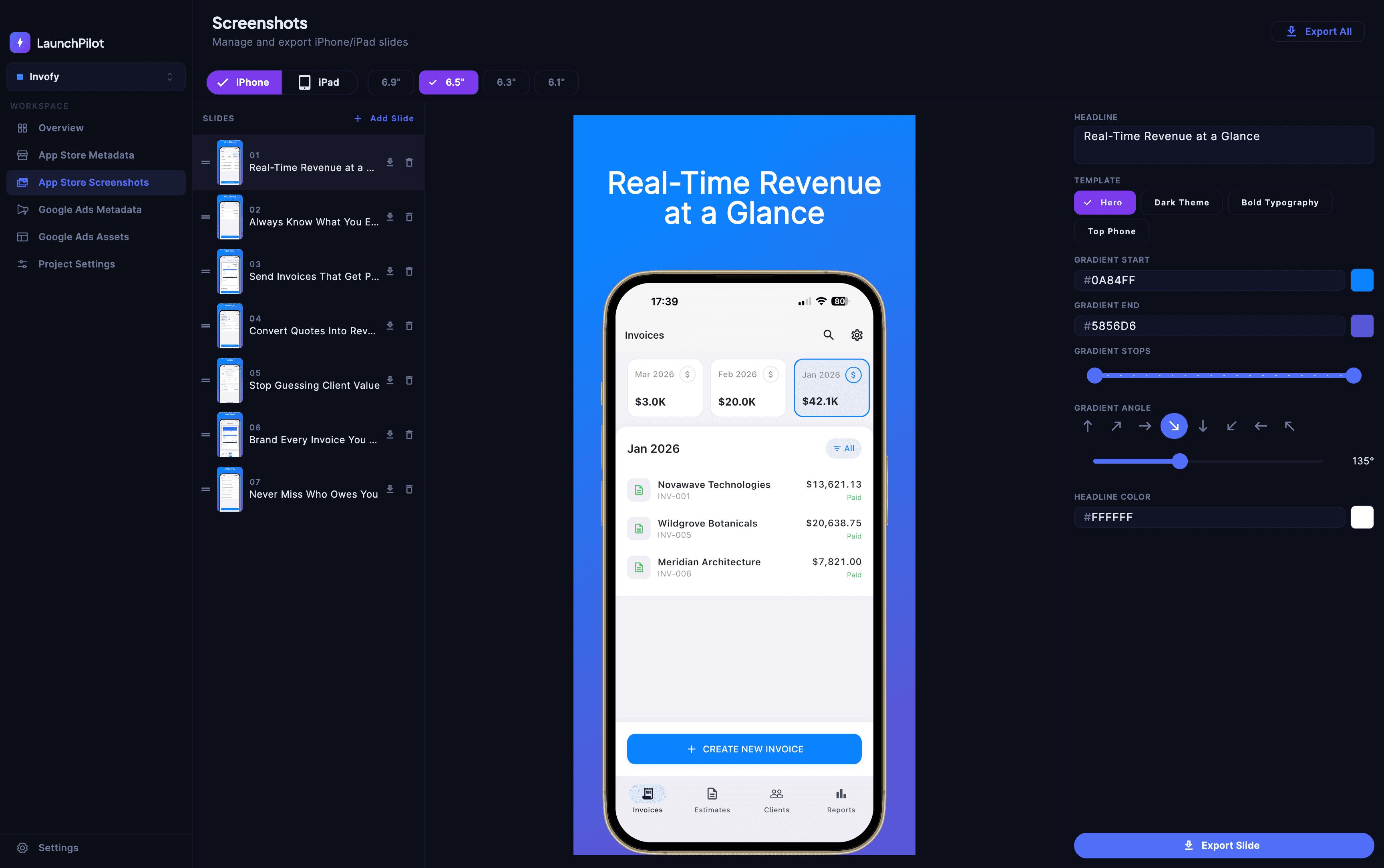
Screenshot Designer
Create stunning App Store screenshots with real device mockups, gradient backgrounds, and bold typography templates. Choose from iPhone and iPad sizes, customize colors and text overlays, and export to correctly sized PNGs in one click. No design tools or external apps required — everything happens inside LaunchPilot.
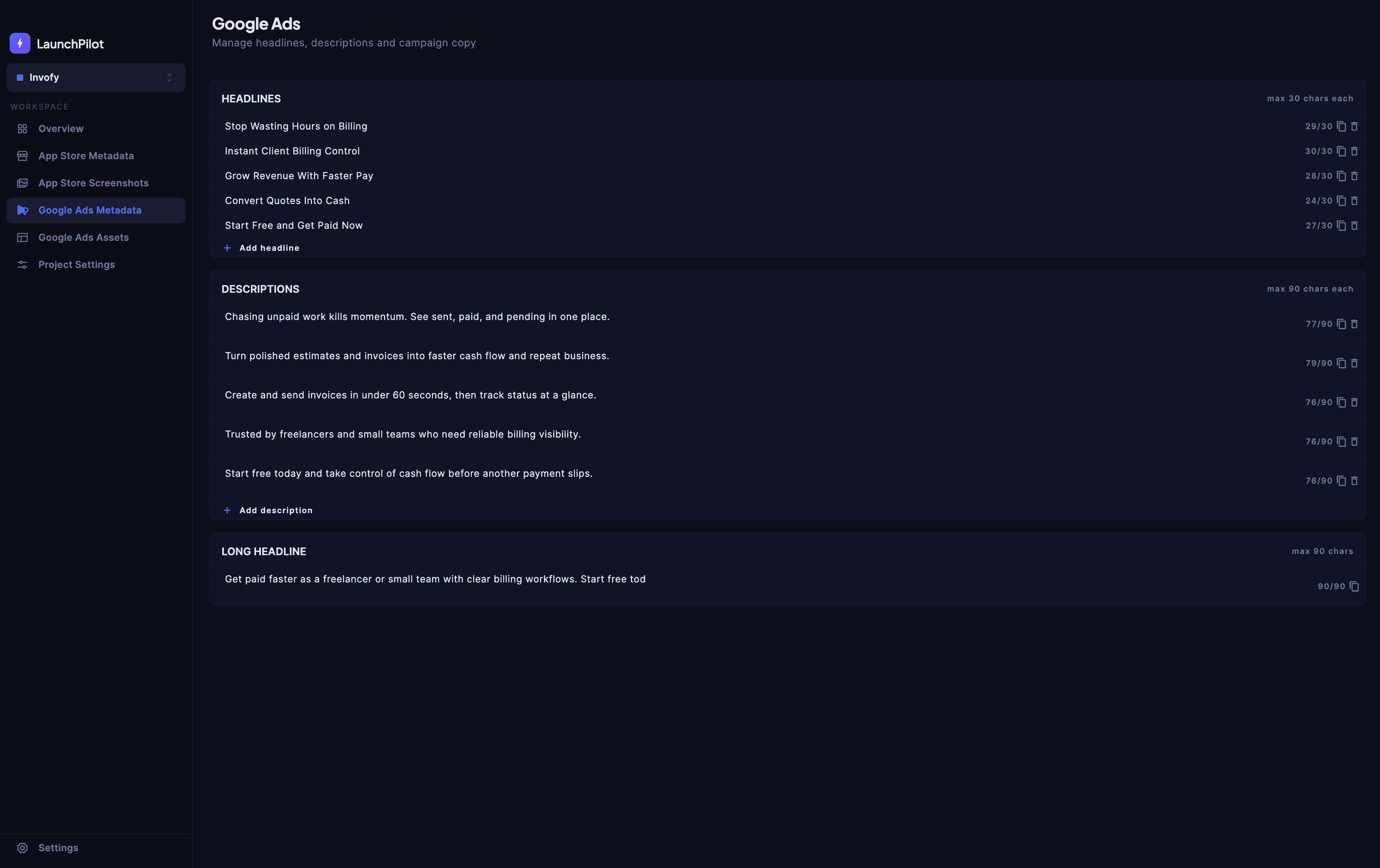
Google Ads
Manage all your Google Ads headlines and descriptions per project. Keep your campaigns organized and consistent across every app without juggling spreadsheets or switching between tabs. Write, iterate, and finalize your ad copy in one focused workspace, then export it when your campaign is ready to launch.
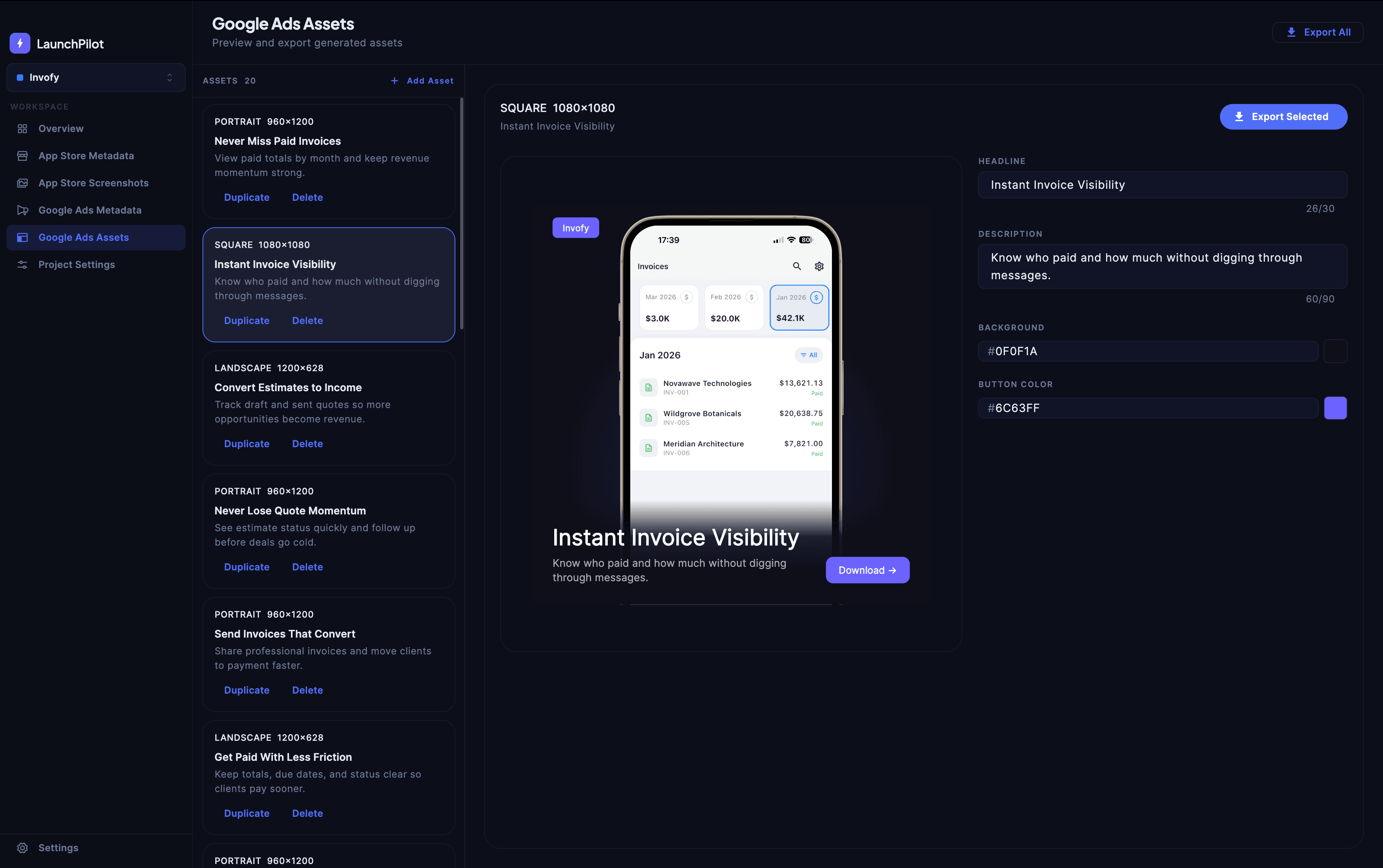
Google Ads Metadata Editor
Write and refine every piece of your Google Ads campaign copy in one place. LaunchPilot gives you dedicated fields for headlines, descriptions, and long headlines — all with live character counters so you stay within Google's limits. Iterate quickly, duplicate lines for variations, and keep all your campaign text organized per project.
App Store Connect Integration
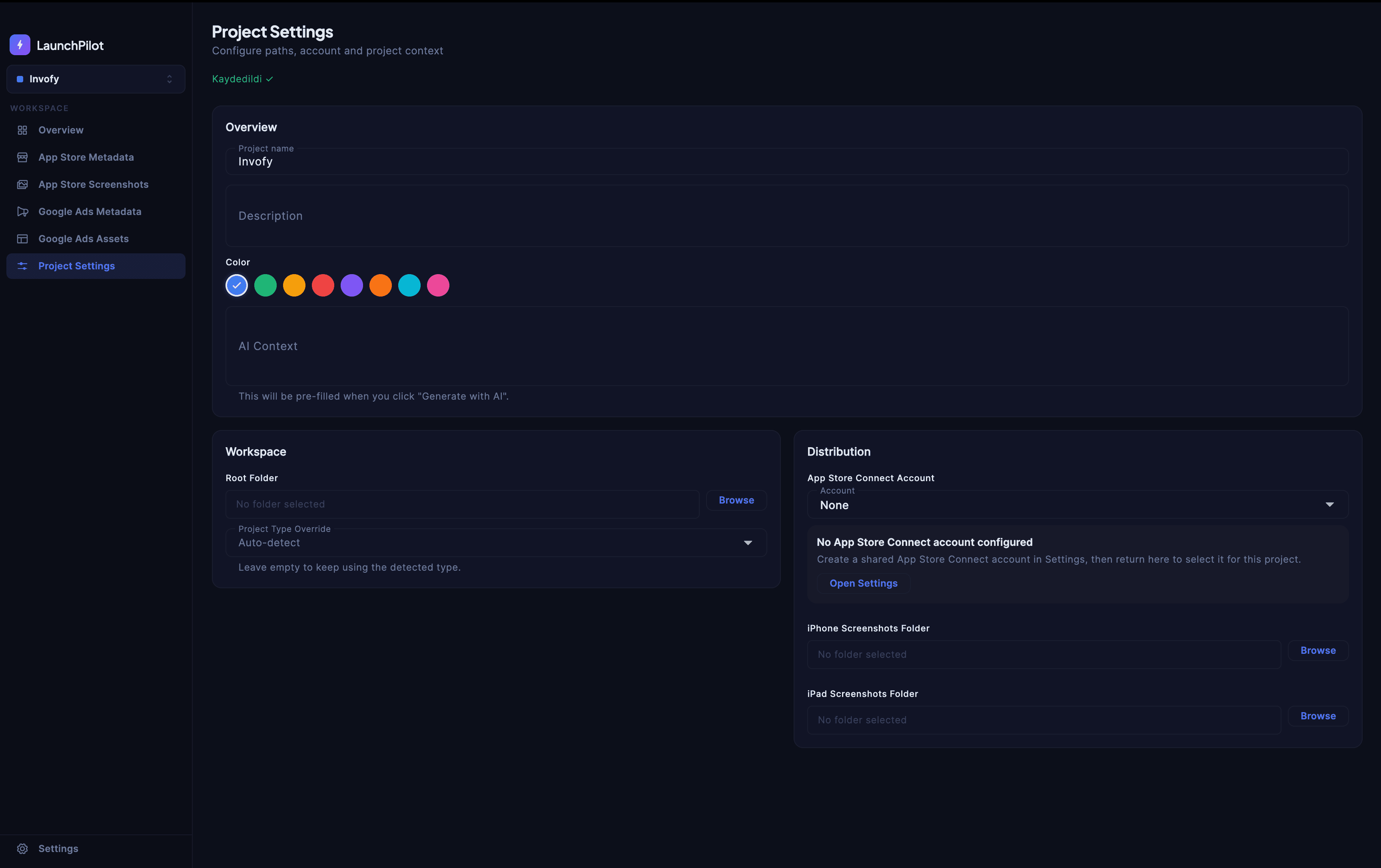
Connect your App Store Connect account, configure distribution folders, and manage deployment settings — all from within your project. Map your iPhone and iPad screenshot output folders once, and LaunchPilot will push your assets directly to App Store Connect on every export. No Transporter, no manual uploads, no context switching.
AI-Powered Generation
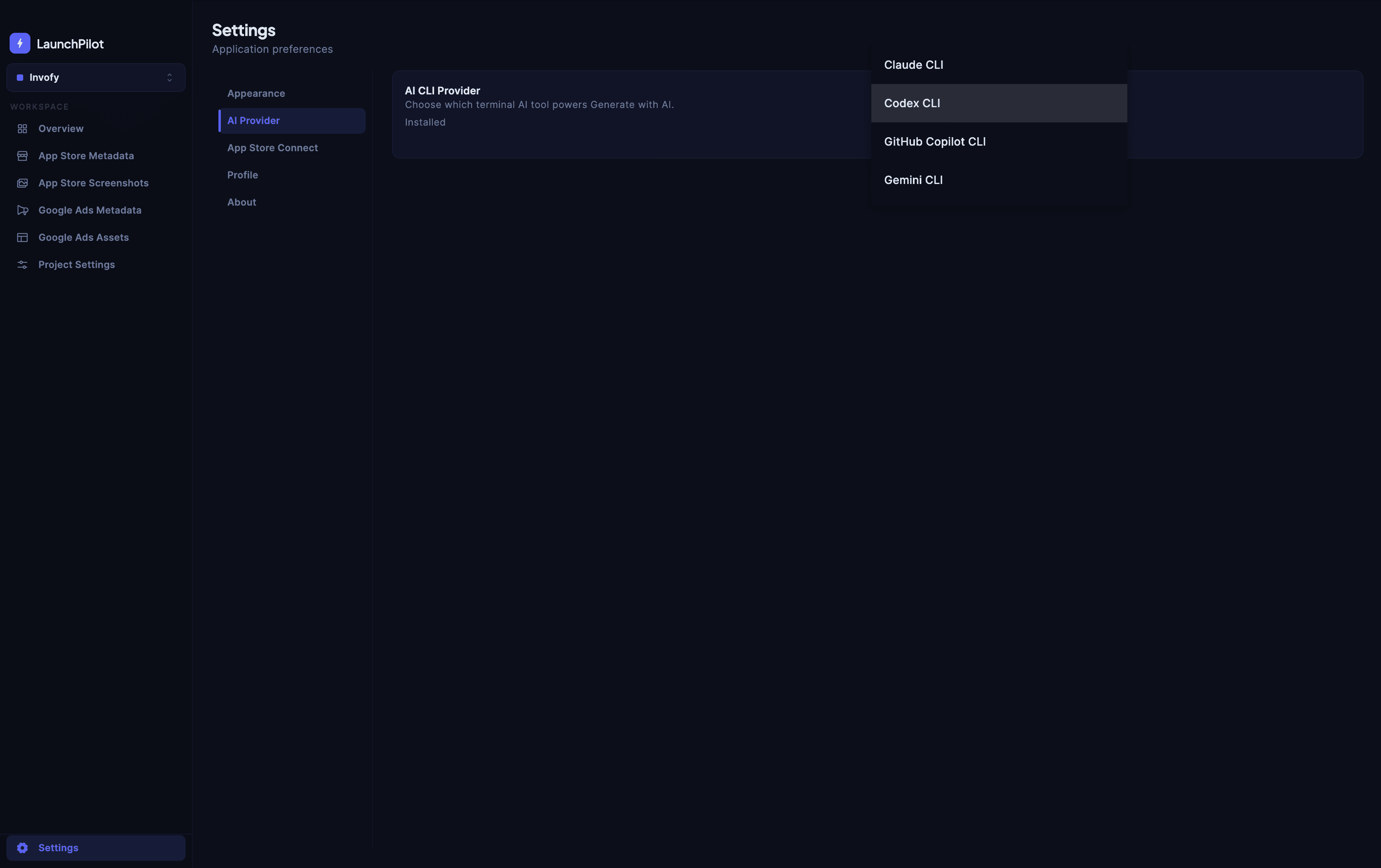
Connect your preferred AI CLI tool and generate metadata, screenshot copy, and ad creatives at the click of a button. LaunchPilot works with any locally installed AI CLI — including Claude, ChatGPT, and others — so you stay in control of which model you use. Generate a first draft instantly, then refine it manually for the best results.
Multi-Project Management
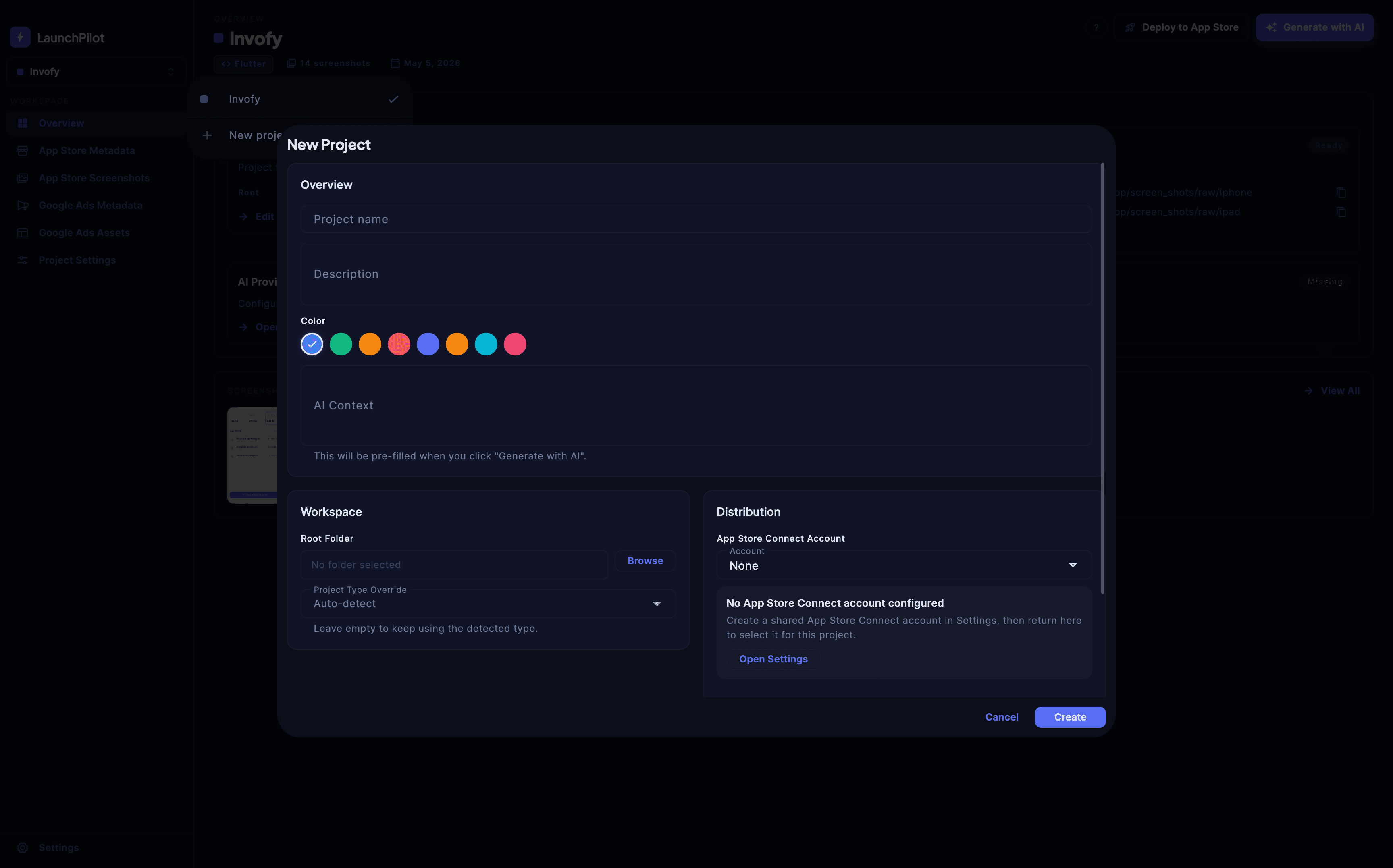
Switch between all your mobile projects in an instant. Every asset, setting, and credential is stored and remembered per project, so nothing bleeds across apps. LaunchPilot auto-detects your project type — Flutter, Swift iOS, or React Native — and sets up your workspace automatically when you add a new project.
From Project to Published in Three Steps
LaunchPilot removes the friction from app marketing. Set up once, manage everything, ship faster.
Add Your Project
Point LaunchPilot to your project folder. It automatically detects Flutter, Swift iOS, and React Native apps and sets up your workspace.
Create Your Assets
Write App Store metadata, design screenshot mockups, craft Google Ads, and generate visual creatives — all from one unified workspace.
Deploy with One Click
Push your App Store metadata and screenshots directly to App Store Connect with a single click. No manual uploads, no Transporter, no fuss.
One Workspace. Every Marketing Asset.
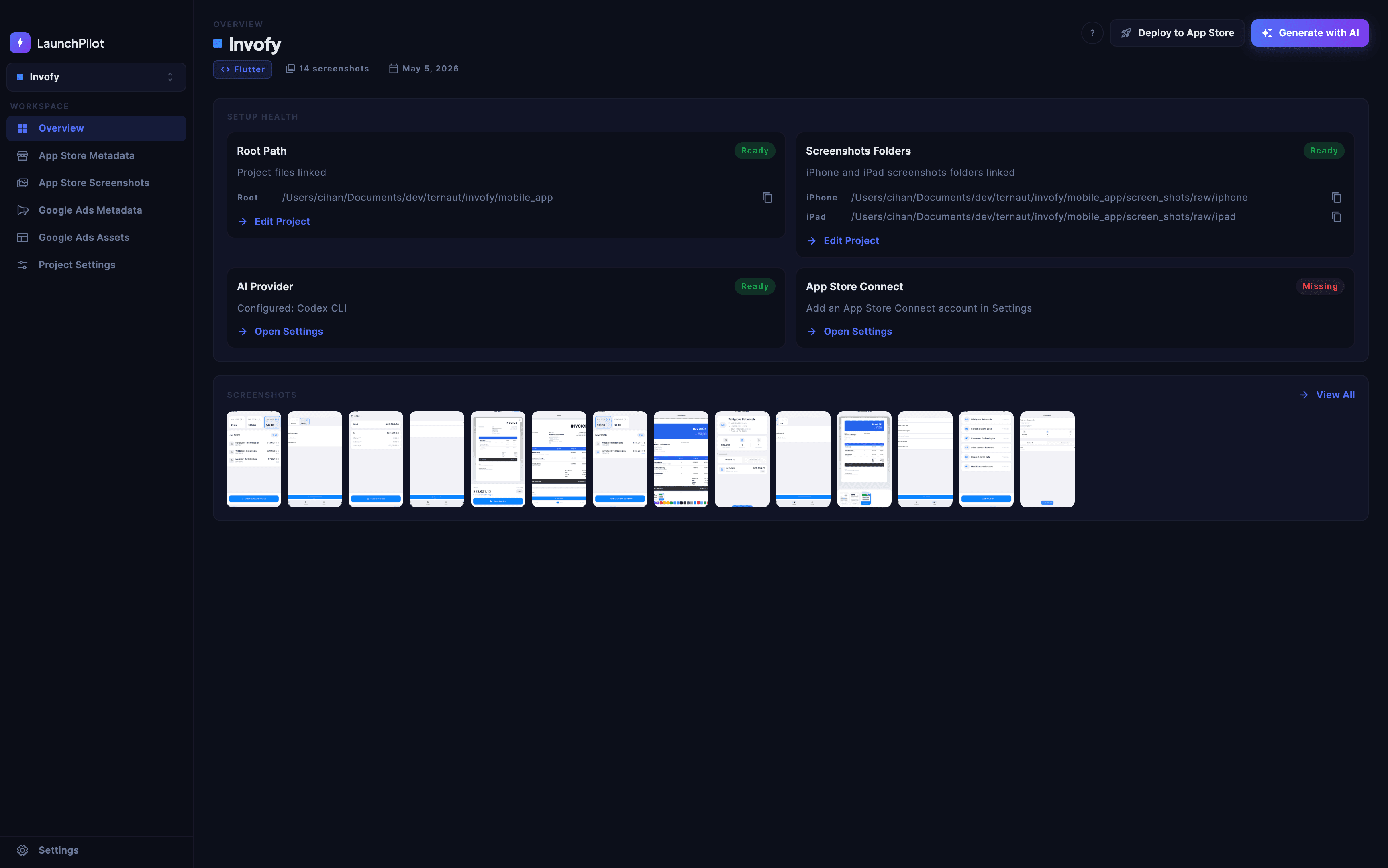
LaunchPilot gives you a dedicated workspace for every project — so you never lose track of your App Store copy, screenshot designs, or ad campaigns again.
- Unified workspace for all your marketing assets
- Built-in device mockup editor with templates
- AI-powered content generation
- Direct App Store Connect deployment
- Support for Flutter, Swift iOS, and React Native
Available on Every Desktop Platform
LaunchPilot runs natively on macOS, Windows, and Linux — no browser required.
Windows
Windows 10 or later (64-bit)
Linux
Ubuntu 20.04 / Debian 10 or later
iOS
Companion appiPhone & iPad · iOS 16 or later
View your projects and manage your subscription. Editing happens on desktop.
Start Managing Your App Marketing Today
Download LaunchPilot and take control of your App Store listings, screenshots, and ad campaigns — all in one place.